Not every odd-looking link pointing to your website is a threat, but a few of them can quietly drag down your search performance. As a digital marketing agency in Chennai, we see site owners panic over a backlink report full of red flags, and just as often we see others ignore a real problem until traffic drops. The truth sits somewhere in the middle. Knowing which links deserve attention and which can be safely ignored saves you time, money, and a lot of stress. In this blog, we will take a closer look at what toxic backlinks are, how to spot them with popular SEO tools, and what to do once you find them.
What Are Toxic Backlinks?
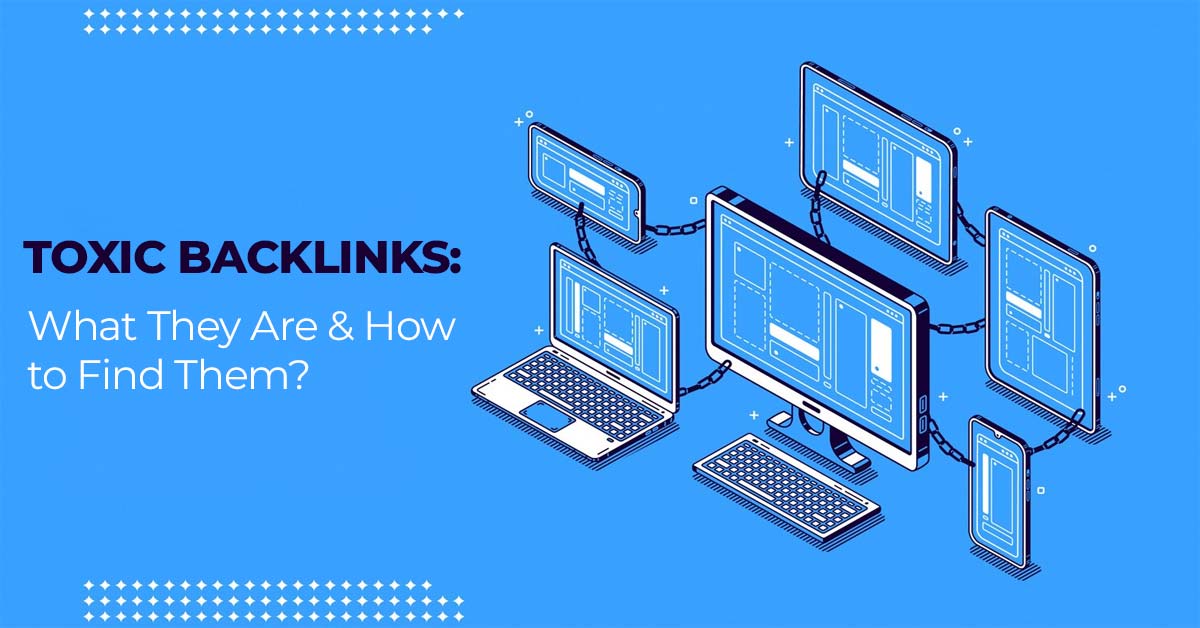
A toxic backlink is an inbound link from another website that may harm your site’s standing in search results. In most cases, the term describes links that go against Google’s spam policies, such as links placed purely to manipulate rankings instead of helping readers.
There is one thing worth clearing up early. “Toxic” is not an official Google term. It is a label that SEO tools use, usually as a score, to flag links that look risky. A high toxicity score does not automatically mean Google sees the link as a violation. A paid link network or a blog comment spammed across hundreds of sites is a genuine manipulative scheme. A random low-quality directory that scraped your URL is often just internet noise.
Can Toxic Backlinks Hurt Your SEO Rankings?
Sometimes, but less often than most people fear. Google looks at your backlinks to understand how popular and trustworthy your site is, and it has built automated systems to catch link spam. In many cases, those systems simply ignore bad links instead of punishing you for them.
The real risk appears when a site is clearly involved in link schemes, like buying links in bulk or swapping them at scale. In that case, Google can issue a manual action, which may lower your rankings or remove pages from search results altogether. You would see this inside Search Console under the Manual Actions report.
A common misconception is that every low-authority link is harmful. It is not. Small, unknown sites link to good websites all the time. Another myth is that competitors can easily destroy your rankings by pointing spam at you. Google has stated that it works to neutralise this kind of attack, so it is rarely the cause of a sudden ranking drop.
Common Signs of Suspicious or Manipulative Backlinks
Certain patterns tend to show up again and again. Links from sites that have nothing to do with your industry, such as a casino blog linking to a dental clinic, are an obvious one. Pages stuffed with hundreds of outbound links, foreign-language sites with no connection to your audience, and networks of sites that look identical in design are also worth a closer look.
Anchor text can give things away too. If a large share of your links use the same money keyword, it looks forced. Natural profiles have a mix of brand names, plain URLs, and varied phrases. A sudden spike of links in a single week, with no campaign or press coverage to explain it, deserves a second glance as well. And if you or a past agency ever paid for links, those should be on your watch list, however long ago it was.
How to Find Toxic Backlinks Using SEO Tools
No single tool gives a perfect answer, so it helps to use two or three together and compare what they flag.
Semrush Backlink Audit
Semrush has a dedicated Backlink Audit tool that scores each link for toxicity. It weighs things like the authority of the linking domain, how relevant the content is, and the overall quality of the link. That score helps you decide where to start instead of reading through thousands of links one by one. You can review the flagged list, investigate each entry, and build a disavow file right inside the tool. That file can then be uploaded to Google’s Disavow Tool.
Google Search Console
Search Console is free, and it shows data straight from Google. The Links report lists the sites that link to you and the anchor text they use. It does not give a toxicity score, so the review is manual. That is actually useful, because you can look through the domains yourself and spot anything irrelevant, spammy, or oddly worded. It is also the place where you can submit a disavow file when you need one.
Ahrefs Site Explorer
Ahrefs does not use the word “toxic” the way Semrush does, but its Site Explorer gives you a detailed view of your backlink profile. You can sort links by domain rating, check where they come from, see how anchor text is distributed, and track new and lost links over time. Links from weak or penalised-looking domains stand out quickly once you filter the report, which makes it easy to find the ones worth questioning.
Moz Link Explorer
Moz Link Explorer uses a Spam Score to show how likely a linking site is to be penalised, based on a range of signals found on spammy sites. Along with domain authority and anchor text data, it gives you a clear picture of which links look risky. Checking it regularly helps you catch problems early instead of discovering them after rankings slip.
How to Audit and Evaluate Suspicious Backlinks Step by Step
A good audit is less about deleting links and more about making careful decisions. Here is a simple process that works for most websites.
- Export your backlinks from at least two sources, such as Search Console and one paid tool, and combine them into one sheet.
- Remove duplicates and group links by domain so you are not reviewing the same site fifty times.
- Flag links using the warning signs above, and use tool scores only as a guide.
- Visit the flagged pages yourself. Check whether the site is real, whether the content makes sense,e and whether the link looks paid or placed.
- Sort what you find into three groups: keep, try to get removed, and disavow as a last resort.
- Note the date and reasoning for each decision so future audits are faster.
The manual check in step four matters most. Tools can misjudge a perfectly good link from a new or niche website, and you do not want to disavow something that was helping you.
How to Remove or Disavow Harmful Backlinks
Removal should always come first. Find the contact details of the site owner and send a short, polite request asking them to take the link down. Mention the exact page and the link you want removed. Keep a record of every message, because it shows effort if you ever need to explain yourself to Google.
Many requests will go unanswered, especially with spam sites. For those, disavowing is the fallback. You create a plain text file listing the URLs or domains you want Google to ignore, then upload it through Google’s Disavow Tool. Use the domain format when an entire site is the problem, so you do not have to list hundreds of individual pages.
When Should You Use Google’s Disavow Tool?
Google describes the Disavow Tool as an advanced feature, and for good reason. Used carelessly, it can cancel out links that were actually supporting your rankings. Most websites will never need it.
It makes sense in two situations. The first is when you have received a manual action for unnatural links. The second is when you know of a large number of spammy or paid links pointing to your site, and you believe they could lead to a penalty. If your only reason is a high score on a tool, take a step back first. Confirm the links are really manipulative before you upload anything.
How to Prevent Future Link Spam
Prevention is far easier than cleanup. Avoid buying links or joining link exchange groups, no matter how attractive the promise sounds. If you hire an agency for SEO, ask directly how they build links and ask to see examples.
Check your backlink profile once a month, or at least once a quarter, so odd spikes do not go unnoticed. Keep an eye on Search Console for messages and manual action alerts. Focus on earning links the natural way, through useful content, original research, guest articles on relevant sites, and real relationships with other businesses in your field. A steady stream of relevant links will always beat a pile of cheap ones.
How Infinix360 Can Help With Backlink Audits and Ethical Link Building
Cleaning up a backlink profile is only half the job. The other half is building one worth having. At Infinix360, we run detailed backlink audits using multiple tools and then review the results by hand, so you get decisions based on judgement and not just a score. We handle outreach for removals, prepare disavow files when they are truly needed, and track the results afterwards.
Our link building approach is entirely white hat. We earn links through content marketing, genuine outreach, and relationship building with relevant websites. If you want a backlink profile that is clean, credible,e and built to last, Infinix360 is here to help as the best SEO company in Chennai.
Frequently Asked Questions
What is a toxic backlink?
It is a link from another site that may harm your search visibility, usually because it comes from a spammy source or breaks Google’s link spam policies.
Do toxic backlinks always hurt rankings?
No. Google ignores many low-quality links automatically. Harm is most likely when there is a pattern of manipulative link building on your site.
How often should I check my backlinks?
A monthly check is ideal, and a quarterly review is the minimum for most websites.
Should I disavow every link flagged by a tool?
No. Tool scores are only a starting point. Review each link yourself, and disavow only when you are confident the link is manipulative.
Is the Disavow Tool safe to use?
It is safe when used with care, but it is meant for specific situations. Disavowing good links by mistake can reduce your rankings.
Can competitors ruin my SEO with bad backlinks?
It is rare. Google’s systems are designed to handle this kind of spam, so most sites do not need to worry unless they see a manual action.