
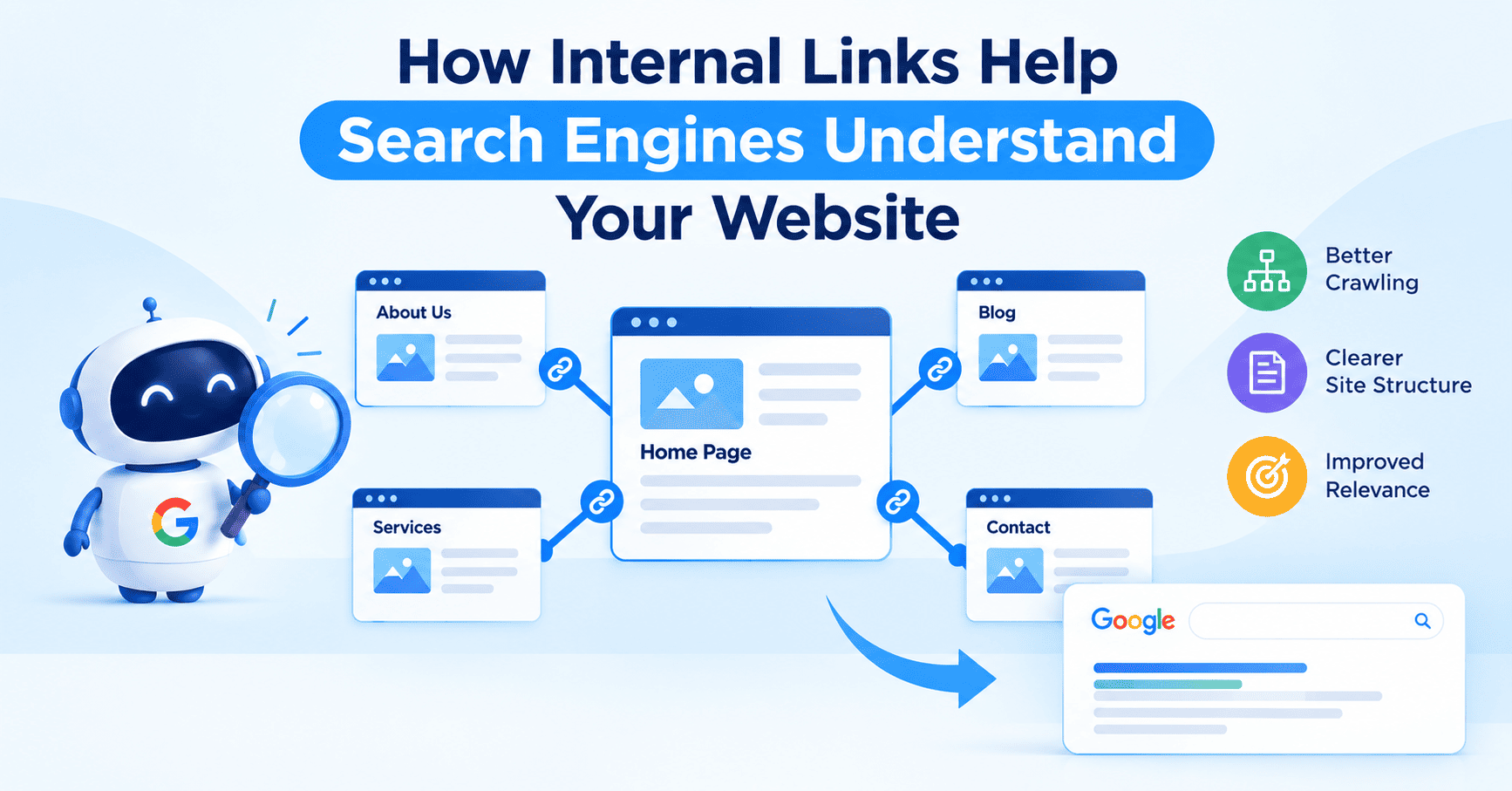
A service page that took weeks to write sits on your site with no links pointing to it, and it never ranks. We see this in audits more often than almost any other problem. Internal links connect your pages, show search engines which URLs matter most, and describe each page through anchor text. At Infinix360, an SEO agency in Chennai, we treat internal linking as part of site architecture and plan it before content goes live. This article explains how crawlers follow links to find pages, how anchor text and surrounding copy signal relevance, how hub-and-cluster structures build topical authority, how links pass authority between pages, which mistakes weaken a link profile, and how we audit and repair them. The sections below take each point in turn.
How Search Engines Find and Crawl Your Pages
Googlebot discovers most pages by following links from pages it already knows. A sitemap helps, but a URL that appears only in a sitemap and has no internal links gets crawled less often and carries little signal of importance. These are orphan pages, and they often appear after a redesign.
Crawl efficiency becomes a real issue as a site grows. A 200-page site rarely hits limits. A store with 20,000 product and filter URLs does, and clear internal links decide which of those pages crawlers reach first. Linking a new page from the homepage or a frequently crawled article gives crawlers a direct path to it on their next visit.
What Anchor Text Tells Search Engines
Anchor text is the clickable wording of a link, and search engines read it as a description of the destination page. A link labelled “technical SEO audit checklist” states what the target covers. A link labelled “click here” states nothing.
Good anchors match the topic of the target page and vary in wording. If every link to a service page uses the same phrase, the pattern looks forced. Anchors such as “local SEO services,” “how local search rankings work,” and “Google Business Profile setup” give crawlers a fuller view of the same page. Keep anchors between two and six words and place them inside sentences about the same subject, because search engines also read the text around a link.
How Site Structure Shapes Topic Understanding
A flat list of unrelated posts gives search engines little to work with, so we group content around one broad guide per subject. We call that guide the hub. Take local SEO: the hub covers the subject at a high level, while separate articles, which we call clusters, cover citations, review management, and location pages in detail. Every cluster links back to the hub, and the hub links out to each cluster. Articles that overlap, such as citations and location pages, link to each other as well.
This structure shows crawlers which pages belong together and which page is the main answer on a subject. Sites that cover a topic in connected depth also give AI-driven features such as Google’s AI Overviews clearer material to draw from.
Click depth matters as well. Important pages should be reachable within three clicks of the homepage, and pages buried five or six clicks down are crawled less often.
How Internal Links Pass Authority Between Pages
External backlinks usually point to a handful of pages: the homepage, a popular guide, a free tool. Internal links pass part of that authority to pages with few backlinks of their own. A service page linked from a well-linked blog post receives more ranking support than the same page linked only from the main menu.
For that reason we start with the pages that already earn links and traffic. Take a blog post with 40 referring domains. One contextual link from it to a related service page strengthens that service page at no extra cost.
Internal Linking Mistakes That Weaken Your Site
These problems appear most often in our audits:
- Orphan pages with no internal links
- Generic anchors such as “read more” and “click here”
- Links to redirected URLs or pages returning 404 errors
- Dozens of unrelated links on one page, which weakens the signal each link sends
- Links built with JavaScript events instead of standard HTML anchor tags
- Navigation menus that leave out key service or category pages
A single broken link in a site-wide menu sends crawlers to a dead end on every visit until someone repairs it.
How We Audit and Improve Internal Links
Our process follows six steps:
- We crawl the site with Screaming Frog and export every URL with the number of internal links pointing to it.
- Orphan pages, pages with fewer than three inbound links, and pages more than three clicks deep go on a priority list.
- Search Console shows which of those pages already earn impressions without ranking well, and we work on those first.
- Each priority page gets two or three source pages, chosen for topic match and existing traffic, and we write the anchor text by hand.
- Redirect chains, broken links, and JavaScript-only links are fixed in the same pass.
- A re-crawl after 30 days shows what changed in indexation, impressions, and average position.
New content follows the same logic. We assign link targets before an article is published, so no page goes live without internal links pointing to it.
Conclusion
Internal links tell search engines which pages exist, how they relate, and which ones matter most. Each of these needs regular maintenance as a site adds pages. If you are shortlisting digital marketing companies in Chennai, check whether their reports include crawl data and indexation figures after link changes. Those numbers show whether the linking work did anything.
Frequently Asked Questions
What is an internal link?
An internal link points from one page on your domain to another page on the same domain.
How many internal links should a page have?
No fixed number applies. We usually add three to five contextual links to a 1,000-word article, and every link should point to a page that helps the reader with the same topic.
Do internal links help rankings?
Yes, though indirectly. A page with no internal links may be harder for search engines to discover and crawl, while a page with relevant internal links can benefit from better discoverability and the distribution of link equity across the site. Both can influence how the page performs in search results.
Should internal links use exact-match anchor text?
Use a mix. Exact phrases, partial matches, and descriptive variations together look natural and describe the page more completely than one repeated phrase.
How do I find orphan pages?
Run a crawl and export the URL list. Then compare it with the URLs in your sitemap and in the Search Console performance report. Pages that appear in those sources but are not discovered through your website’s internal links may be orphan pages and should be checked to confirm whether they need links from relevant pages.
How often should I audit my internal links?
A site that publishes every week needs a check each quarter, because every new page changes the link structure. A migration, redesign, or change in URL structure calls for an immediate audit, since those changes can break links in bulk.